Concept artists
You need several visual directions for a character, location, or prop before committing to a polished concept.
Separate subject, silhouette, environment, lighting, and mood so each variation has a deliberate reason to exist.
Prompt practice
Tensor art prompts work best when they turn a loose idea into visible decisions about subject, setting, mood, composition, and finish. Use the practical patterns below to make each generation easier to direct.
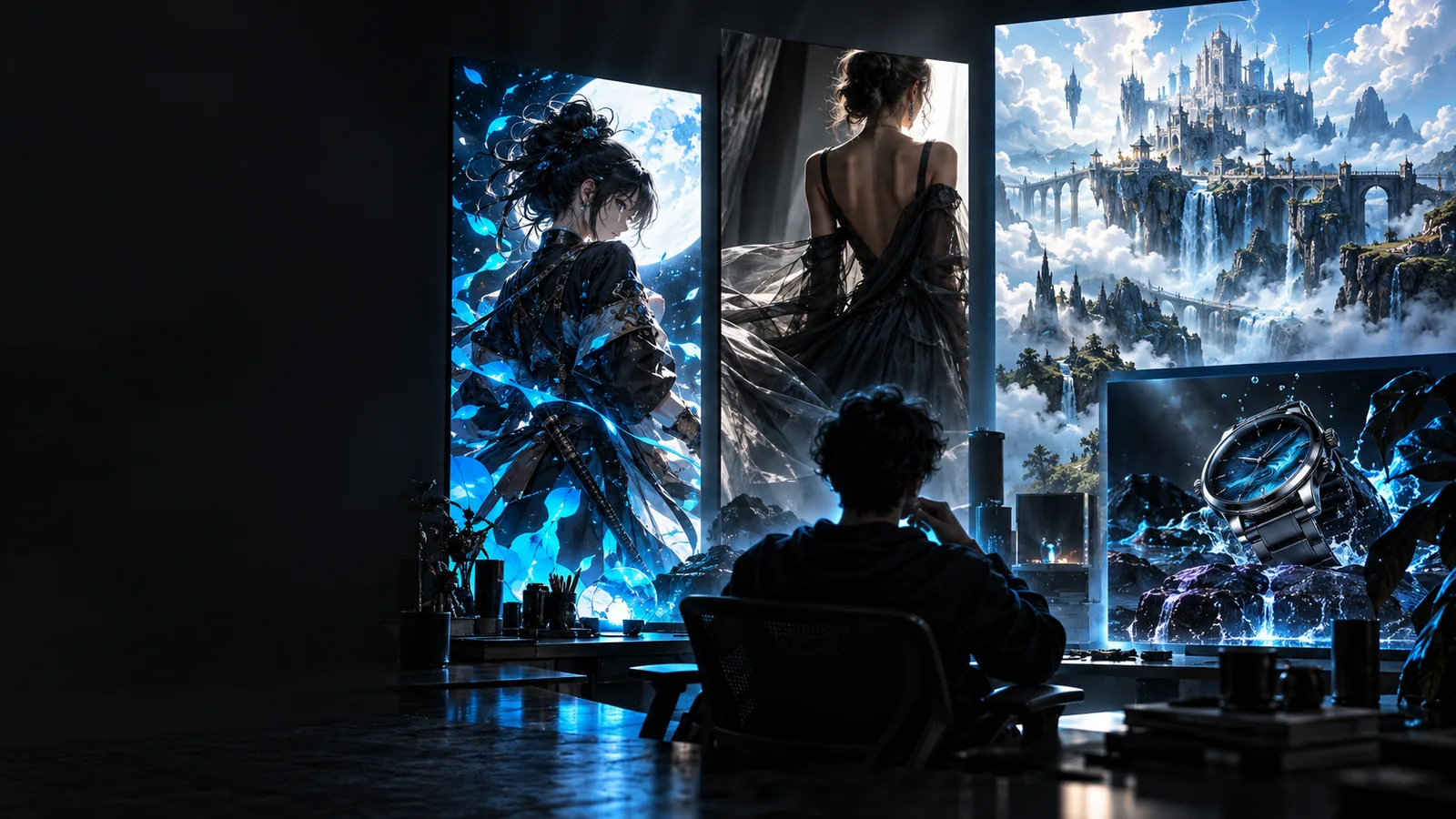
Most weak generations do not begin with a lack of imagination. They begin with prompts that name a subject but leave the visual decisions unclear.
You need several visual directions for a character, location, or prop before committing to a polished concept.
Separate subject, silhouette, environment, lighting, and mood so each variation has a deliberate reason to exist.
A single scene must feel coherent across alternate poses, colour treatments, or story moments.
Use a stable prompt spine and change one visual variable at a time instead of rewriting the entire description.
You need useful image directions for campaigns, articles, thumbnails, or social posts without lengthy back-and-forth.
Describe the audience, format, focal point, and emotional cue before adding decorative style language.
Your results look technically polished but still feel generic or disconnected from the intended reference.
Make the desired visual identity explicit, then consider whether a custom workflow such as a trained LoRA is warranted.
These workflows keep prompting practical: establish the image, add the visual treatment, then revise only the part that is not working.
Name the primary subject first, followed by the action or pose, setting, viewpoint, and the most important object in the frame. This gives the generation a clear hierarchy.
Specify the mood, lighting, colour relationship, lens or framing idea, and surface treatment only after the scene is understandable. Prefer concrete visual language over a pile of style labels.
Compare the result with the original intention and identify one failure: weak composition, wrong expression, muddy colour, or missing detail. Revise that part instead of adding unrelated adjectives.
A useful prompt should make the intended change visible. The comparison below represents a move from a subject-only brief to a more directed image brief.
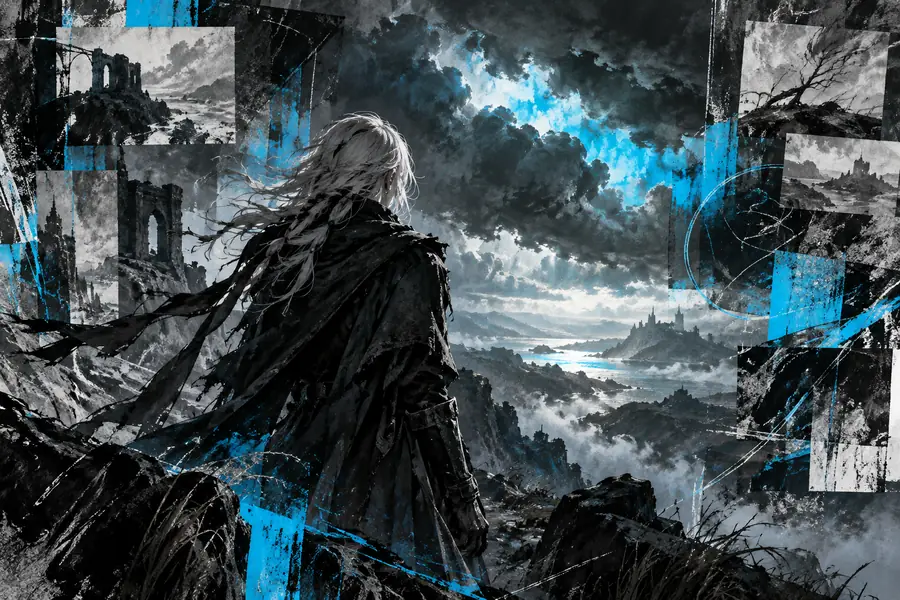
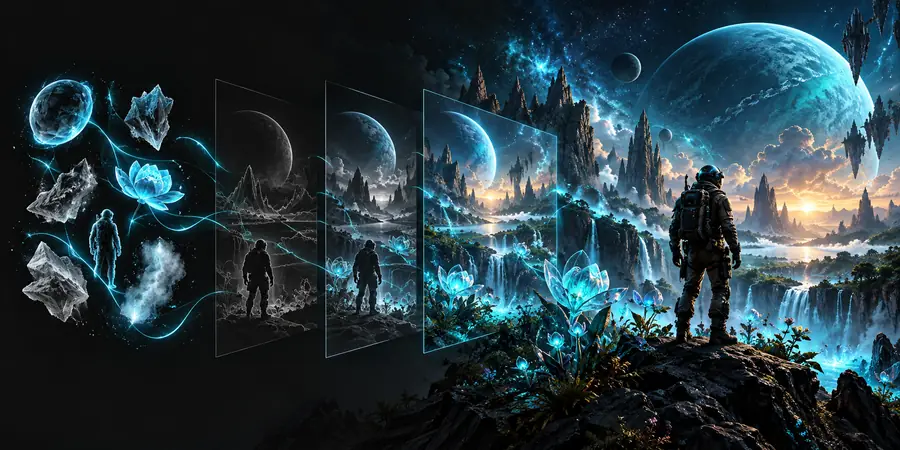
The goal is clearer intent, not longer wording.
Loose briefDirected brief| Primary subject | A traveller in a forest | A lone traveller crossing a misty cedar forest at dawn |
|---|---|---|
| Composition | No clear framing instruction | Full-body subject placed on the left third with a winding path leading inward |
| Lighting | Atmospheric | Low golden backlight filtered through branches with soft rim light |
| Colour | Natural colours | Deep moss green, slate blue shadows, and restrained amber highlights |
| Mood | Cinematic | Quiet, uncertain, and exploratory rather than dramatic |
| Finish | Detailed digital art | Painterly texture, readable silhouette, controlled background detail |
Prompt writing improves direction, but it does not remove the need for judgment. Keep the brief specific, original, and suitable for the context in which the final image will appear.
The same wording can produce different compositions, details, or interpretations across generations.
What to do instead
Treat the first output as a draft and revise the single most visible mismatch.
Words such as cinematic, realistic, or beautiful are broad and may not explain what should appear in the frame.
What to do instead
Describe observable choices such as camera distance, light direction, palette, texture, and background treatment.
A generated image may still raise questions about references, recognizable people, logos, copyrighted characters, or commercial use.
What to do instead
Use original briefs, review outputs before publishing, and avoid presenting imitation as official or endorsed work.
Long prompts can bury the subject and make it harder to identify which instruction affected the result.
What to do instead
Keep the core scene readable, then add only the details that support the intended outcome.
Bring your subject, setting, mood, and composition together in a prompt you can actually evaluate. Use the workflow as a starting point, then refine the output against your own creative and publishing requirements.
Tensor art prompts are written directions for shaping an AI-generated image. They can define the subject, action, setting, composition, lighting, colour, mood, and finish so the result is easier to evaluate and revise.
Begin with the main subject and what it is doing, then add the environment and viewpoint. Finish with the most important visual choices, such as lighting, palette, mood, and texture, rather than stacking unrelated style terms.
Generic results often come from broad descriptions that do not specify what should be visible or where it should appear in the frame. Add concrete details about composition, light direction, colour relationships, and the visual priority of the subject.
No. A longer prompt is useful only when each detail supports the image you want. Start with a readable scene spine, then add focused direction and revise the one part of the output that missed the brief.
No prompt can guarantee an identical result every time. Consistency improves when you keep a stable core description, change one variable per revision, and use a more specialised workflow when ordinary wording is not enough.